Download and install
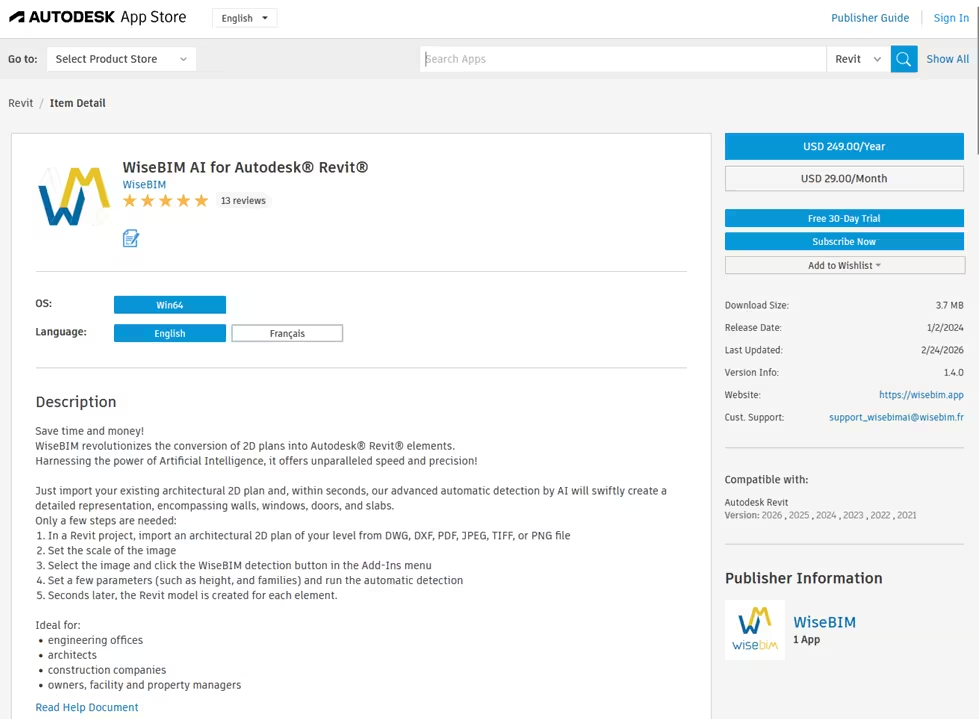
The add-in is available on the Autodesk® app store🔗.
The installer is downloaded by clicking on the Download or Free 30-Day Trial button.
The installer is a .msi file that is launched locally. If the installation does not start automatically, please run the installer which could be in the download directory of your local account.
When the installation is finished, you can use the add-in by starting a new Revit session. The installation is valid for all Revit version that have been previously installed (2021 to 2026).
If you install a new Revit version, you will have to install the add-in again.